

What's in this area?
Draw a shape anywhere and get a list of everything inside it.
Steps
- Choose What's in this area? on the side rail, directly under Search. On a phone it's the round button above the lower-right map controls.
- Draw the area: Lasso for a hand-drawn loop, Rectangle for a box, or Circle (press at the center and drag out; the radius shows as you drag) for a weekend's driving radius. Or choose Use current view.
- Pick layers to search: campgrounds, water, waterfalls, curiosities, anything in the catalog.
- Read the list, grouped by category with counts. Click an item to fly there.
- Choose what to do with the results: save them all to one layer, add the layers to your map (or one at a time with + Map), save for offline, or export a file (GPX, GeoJSON or KML). On a phone, the results in area button brings the list back.
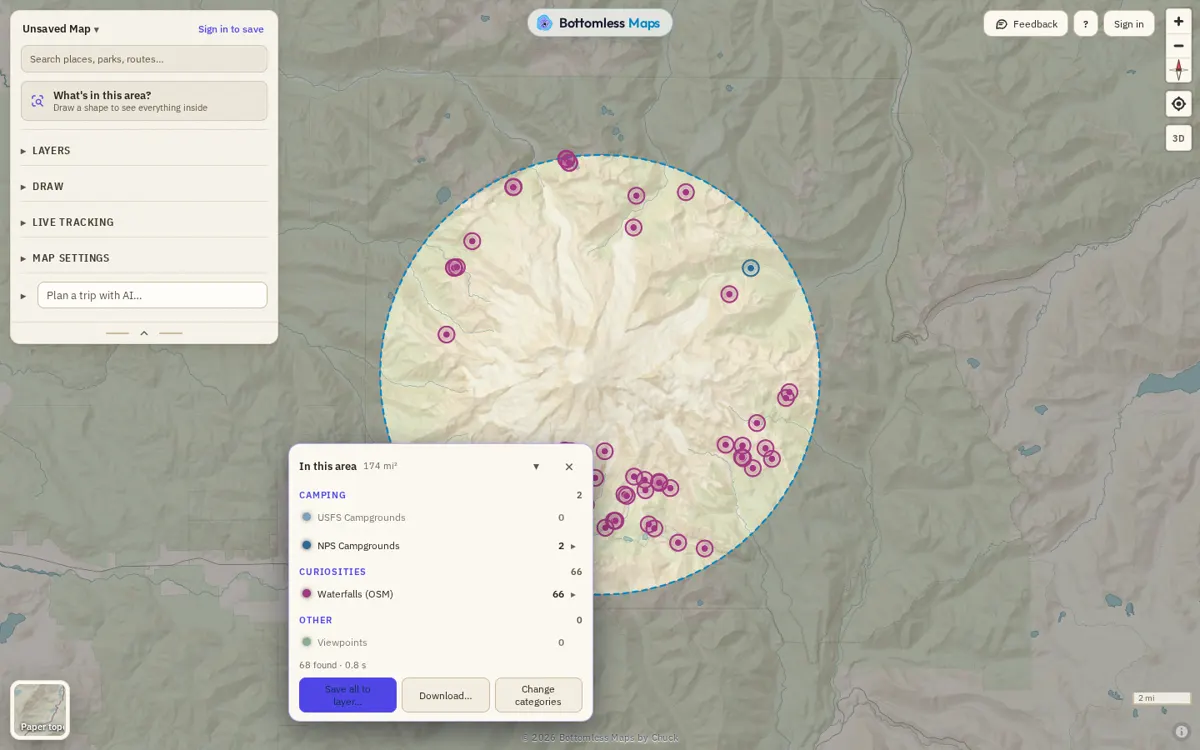
Only the parts of big layers your area touches are downloaded, so even big layers come back fast.
Try it on the map →Opens the map ready to draw an area for What's in this area?