

Track the parks you've visited
Build your national parks life list, then keep going: campgrounds, waterfalls, lighthouses, anything on the map.
Steps
- **Add National Park Service Sites** (429 units).
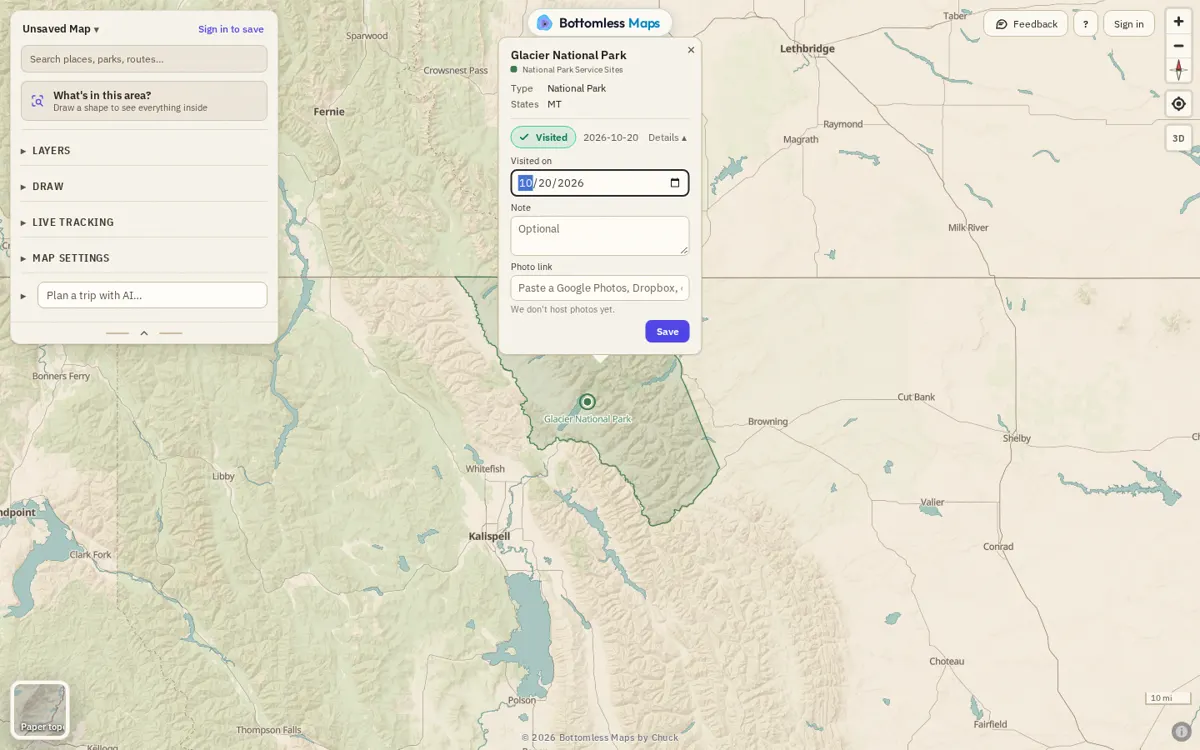
- Click a park you've been to and choose Mark visited. Add a date and a note if you like.
- See your progress. Visited items get a ring. From the layer's menu, show All, Visited or Not visited (great for "what's left?").
- Mark several at once from a layer's item list with select mode.
- Collect everything. Add the Visited places layer to see every place you've marked, across all layers.
- Share it (needs an account): use the share button next to the map name to make a view-only link or a public map, and choose to show your visited places.
Signed out, visits are saved in this browser; sign in to keep them on every device.